Hardware 2FA Keys vs Software Authenticators: Which Is Right for You?
 Sep, 27 2026
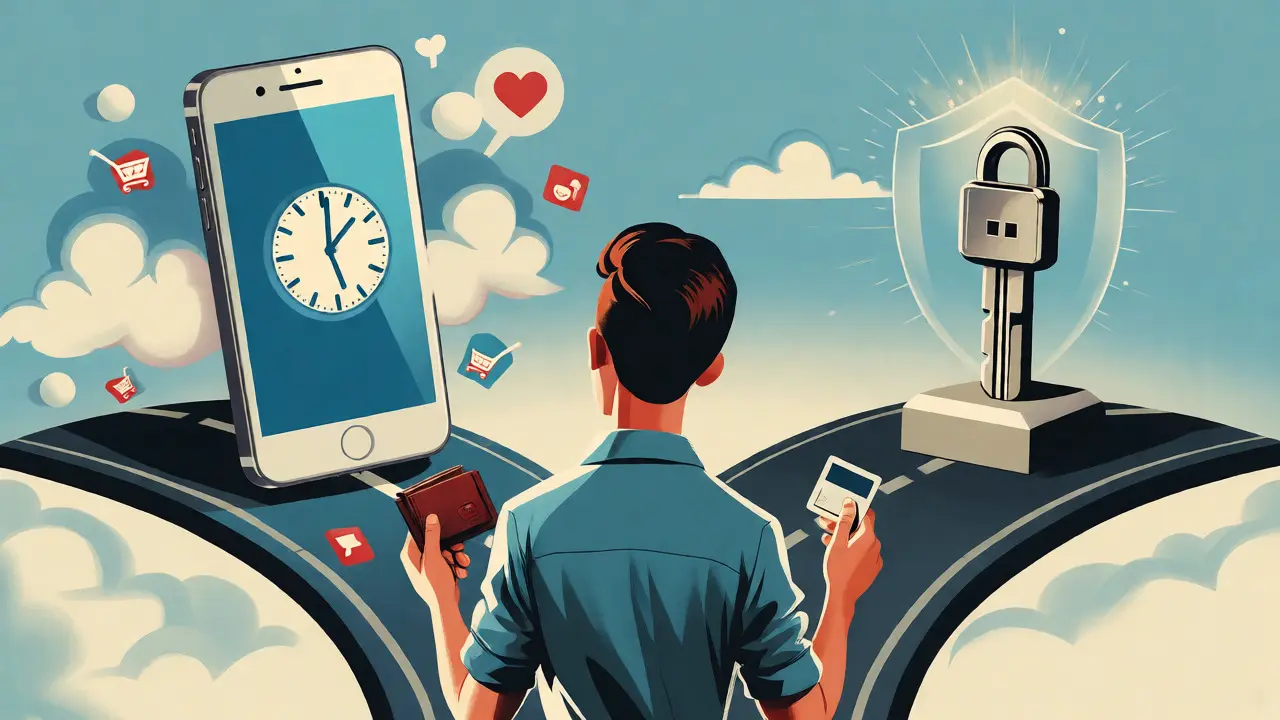
You’ve probably heard the advice a thousand times: "Turn on two-factor authentication." But when you actually sit down to set it up, you hit a fork in the road. Do you download a free app like Google Authenticator or Authy, or do you spend $30-$80 on a physical device like a YubiKey? It’s not just about convenience; it’s about how much risk you’re willing to carry. For most people, an app is fine. But if you hold significant crypto assets or manage critical business accounts, the difference between these two methods can be the difference between sleeping soundly and waking up to a drained wallet.
| Feature | Hardware Security Keys | Software Authenticators |
|---|---|---|
| Security Level | Phishing-resistant (U2F/WebAuthn) | Vulnerable to malware & phishing |
| Cost | $20-$80 per key (backup needed) | Free |
| Convenience | Requires physical tap/plug-in | Code visible on phone instantly |
| Device Loss Risk | Locked out if no backup key | Easily restored via cloud sync |
| Best For | Crypto holders, high-value accounts | Casual users, low-risk logins |
The Real Difference: How They Actually Work
Most people think of 2FA as just "getting a code." But under the hood, hardware keys and software apps operate on completely different cryptographic principles. This distinction matters because it dictates what kind of attacks they can stop.
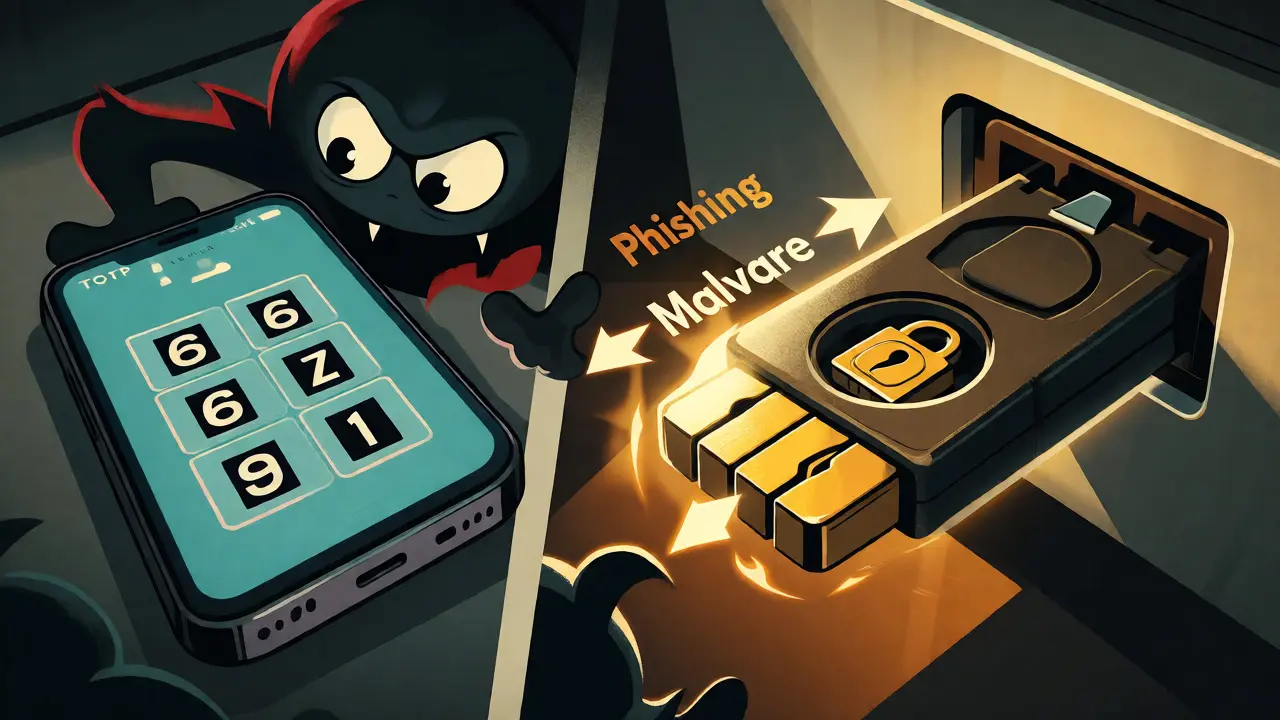
Software authenticators use something called Time-Based One-Time Passwords (TOTP). When you scan that QR code during setup, your phone and the service (like GitHub or Binance) share a secret string of characters. Every 30 seconds, both sides run this secret through a math formula to generate a new six-digit number. If your phone is hacked, or if a malicious app steals that secret, an attacker can generate the same codes you see. It’s symmetric cryptography: both sides know the same secret.
Hardware keys, specifically those using WebAuthn or FIDO2 standards, work differently. They use public-key cryptography. Your private key never leaves the physical device. When you log in, the website sends a challenge, and your key signs it internally. The website verifies the signature with its copy of your public key. Because the private key is locked inside tamper-resistant hardware, malware on your computer can’t steal it. Even better, the authentication is bound to the specific domain name. If you try to use your YubiKey on a fake login page (a phishing site), the key won’t sign the request because the domain doesn’t match. This makes hardware keys immune to traditional phishing attacks.
Why Software Authenticators Are Still Popular
If hardware keys are so secure, why does everyone still use apps? Convenience wins every time. Setting up Microsoft Authenticator takes two minutes. You don’t need to buy anything. You don’t need to worry about losing a small plastic stick. And crucially, syncing is easy. Apps like Authy allow you to back up your encrypted secrets to the cloud. If you lose your phone, you install the app on your new one, enter your password, and all your 2FA codes reappear.
For casual users-checking email, social media, or shopping online-this level of security is usually enough. The threat model here isn’t a sophisticated nation-state hacker targeting your specific account; it’s random bots trying to guess passwords or basic credential stuffing attacks. A TOTP code stops 99% of those attempts. Plus, software solutions integrate seamlessly into mobile workflows. You glance at your watch or unlock your phone, type the code, and you’re in. No fumbling for a USB-A dongle in a world of USB-C ports.
The Case for Hardware: Why Crypto Holders Should Care
In the blockchain space, the stakes are higher. If someone hacks your email, you might lose access to newsletters. If someone hacks your exchange account or your DeFi portfolio, you lose money-often permanently. Here, the weaknesses of software authenticators become glaring liabilities.
Consider SIM swapping. While less relevant to pure TOTP apps than SMS-based 2FA, attackers often combine techniques. They might phish your credentials and then trick your mobile carrier into forwarding your texts. But with WebAuthn hardware keys, even if an attacker gets your username and password, they cannot log in without physically touching your key. There is no code to intercept. There is no secret to extract from your phone remotely.
Let’s look at a real-world scenario. In 2022, several high-profile crypto influencers were hacked. In many cases, the attackers used social engineering to bypass SMS 2FA or installed malware on compromised devices to read TOTP codes. Had these individuals used hardware keys for their primary exchange accounts, the attack would have failed at the second step. The attacker could have stolen the password, but they couldn’t have produced the valid cryptographic signature required by the hardware token.
Implementation Nightmares: What Nobody Tells You
Hardware keys aren’t perfect. The biggest pain point is recovery. If you lose your only YubiKey and you didn’t set up a backup method, you are locked out. Period. Unlike software apps, there’s no "forgot password" link that magically restores your 2FA seed. You usually have to go through a rigorous identity verification process, which can take days or weeks. For a trader needing immediate access to funds, that delay can be costly.
Therefore, the golden rule of hardware 2FA is: always buy two. Use one as your daily driver and keep the second one in a safe at home. If you travel, you might even want a third. This redundancy solves the lockout problem but adds to the cost and management overhead.
Another friction point is compatibility. While major services like Google, Dropbox, and Coinbase support WebAuthn, not everything does. Some older banking portals or niche dApps might only accept TOTP codes. This forces you into a hybrid approach: using your hardware key for critical accounts and keeping a software authenticator on your phone for legacy systems. Managing two different authentication flows can feel disjointed until you get used to it.

The Rise of Passkeys: The Middle Ground?
We are currently seeing a shift toward Passkeys. These are essentially software-bound versions of the hardware key concept. Instead of a separate physical device, your phone’s biometric sensor (Face ID, Touch ID, Windows Hello) acts as the hardware root of trust. When you log into a passkey-enabled site, your phone uses its internal secure enclave to sign the challenge.
Passkeys offer the phishing resistance of hardware keys with the convenience of software. You don’t need to buy a YubiKey; you already own the hardware (your iPhone or Android). However, passkeys are still maturing. Not all browsers support them fully, and cross-platform compatibility (e.g., logging into a Windows PC using an iPhone passkey) can sometimes be clunky. For now, dedicated hardware keys remain the gold standard for maximum security, especially for cold storage wallets or large centralized exchange holdings.
Which Should You Choose?
Your choice depends entirely on your threat model and asset value.
- Choose Software Authenticators if: You prioritize ease of use, don’t want to spend money, and primarily use low-to-medium risk accounts (social media, email, retail shopping). Ensure you enable cloud backups (like Authy’s encrypted sync) to prevent lockouts.
- Choose Hardware Keys if: You hold significant cryptocurrency, manage sensitive corporate data, or want peace of mind against sophisticated phishing. Be prepared to buy at least two keys and store one securely off-site.
- Use Both if: You are a power user. Use hardware keys for your main email, password manager, and crypto exchanges. Use software authenticators for lower-tier sites where hardware support is lacking.
Don’t let perfection be the enemy of good. Using a software authenticator is infinitely better than using SMS or no 2FA at all. But if you’re serious about securing your digital life, investing in a pair of FIDO2-compliant keys is one of the best returns on investment you can make.
Can I use my smartphone as a hardware key?
Yes, modern smartphones can act as security keys using Bluetooth or NFC. Services like Apple’s iCloud Keychain or Google Smart Lock allow your phone to authenticate via WebAuthn. However, this relies on your phone being secure. If your phone is rooted or jailbroken, the security guarantees weaken compared to a dedicated, isolated hardware token like a YubiKey.
What happens if I lose my hardware key?
If you lose your primary key, you must use your backup key to regain access. If you didn’t set up a backup key or alternative method (like recovery codes), you will likely face a lengthy account recovery process involving identity verification. This is why buying two keys initially is critical.
Are hardware keys compatible with all websites?
No. Support is growing but not universal. Major platforms like Google, Microsoft, GitHub, and many crypto exchanges support U2F/WebAuthn. However, many smaller websites, banks, or older SaaS tools may only support TOTP (software codes) or SMS. You may need to maintain a software authenticator for these unsupported services.
Is SMS 2FA safer than software authenticators?
Generally, no. SMS is vulnerable to SIM-swapping attacks, where an attacker convinces your mobile carrier to transfer your number to their device. Software authenticators (TOTP) generate codes locally on your device and are not transmitted over the network, making them significantly more secure than SMS.
Do I need a backup code if I use a hardware key?
Absolutely. When setting up a hardware key, services usually provide one-time recovery codes. Print these out and store them in a fireproof safe or a password manager. These codes are your lifeline if both your hardware keys are lost or damaged simultaneously.