Seed Phrase Backup: How to Safely Store Your Crypto Recovery Key
When you set up a crypto wallet, you’re given a seed phrase backup, a 12- or 24-word list that acts as the master key to all your crypto assets. Also known as a recovery phrase, it’s the one thing that can bring back your funds if your phone dies, your exchange gets hacked, or you forget your password. There’s no customer support, no reset button, no ‘forgot password’ link. If you lose this phrase, your Bitcoin, Ethereum, or any other token tied to that wallet is gone forever.
That’s why a private key storage, the physical or digital method used to protect your seed phrase is more important than the wallet itself. Storing it on your phone, in a cloud note, or as a screenshot is like leaving your house key under the mat. Real users have lost millions this way. The best practice? Write it down on paper, keep it in a fireproof safe, and never share it—not even with someone claiming to be from support. Some people use metal plates engraved with the words, others split the phrase into parts and store them in different locations. The goal isn’t convenience. It’s survival.
And it’s not just about theft. A crypto recovery phrase, the exact same thing as your seed phrase, just called differently by some wallets can be lost through simple human error. Typing one word wrong during backup? Your wallet becomes useless. Copying it into a document with a typo? Same result. That’s why most guides stress writing it by hand, double-checking every word, and testing the backup by restoring it on a new device—before you put real money in.
Every post in this collection ties back to this single truth: if you don’t secure your seed phrase backup, nothing else matters. Whether you’re using a DEX like MonoSwap, trading on Bitstamp, or chasing an airdrop like NFTLaunch, your funds live or die by this phrase. Scams target people who don’t back up properly. Exchanges can’t help you if you didn’t save it. Even the most advanced blockchain tech means nothing if your recovery key is lost in a forgotten USB drive or deleted text message.
Below, you’ll find real-world stories of people who lost everything because they skipped this step, guides on how to make a backup that actually lasts, and warnings about tools that pretend to help but secretly steal your phrase. This isn’t theory. It’s the difference between keeping your crypto—and losing it all.
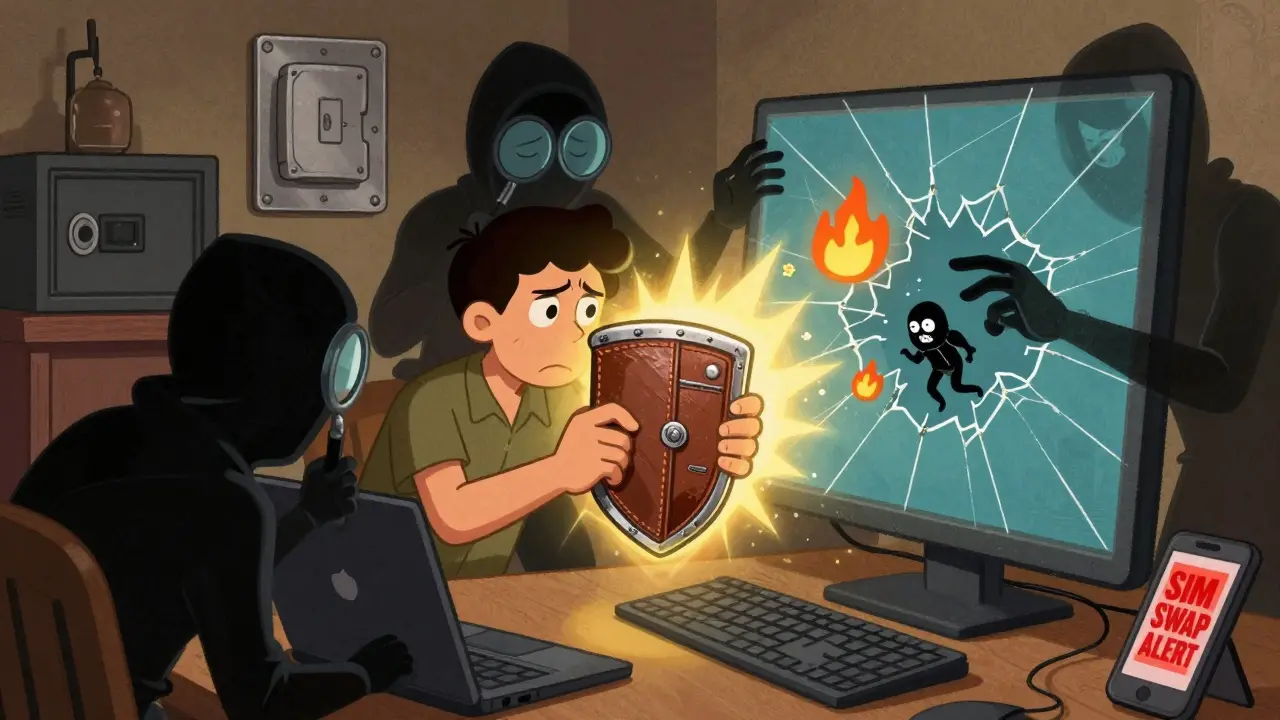
How to Secure Your Cryptocurrency Wallet: Essential Steps to Prevent Theft and Loss
Learn how to secure your cryptocurrency wallet with proven steps: use hardware wallets, never store seed phrases digitally, enable multi-sig, avoid public Wi-Fi, and revoke token approvals. Protect your crypto from theft and loss.
Read more